Resume / Restart a Plan — how it works
UKTG Session Accounting · issue #64 / UKT-235 · 21 July 2026 · branch feature/ukt-235
One button — "Resume / Restart my plan" — that does the right thing whatever state a dead or dying subscription is in. Ships dark behind the uktg_sa_resume_enabled flag.
1 Payment failed charges card
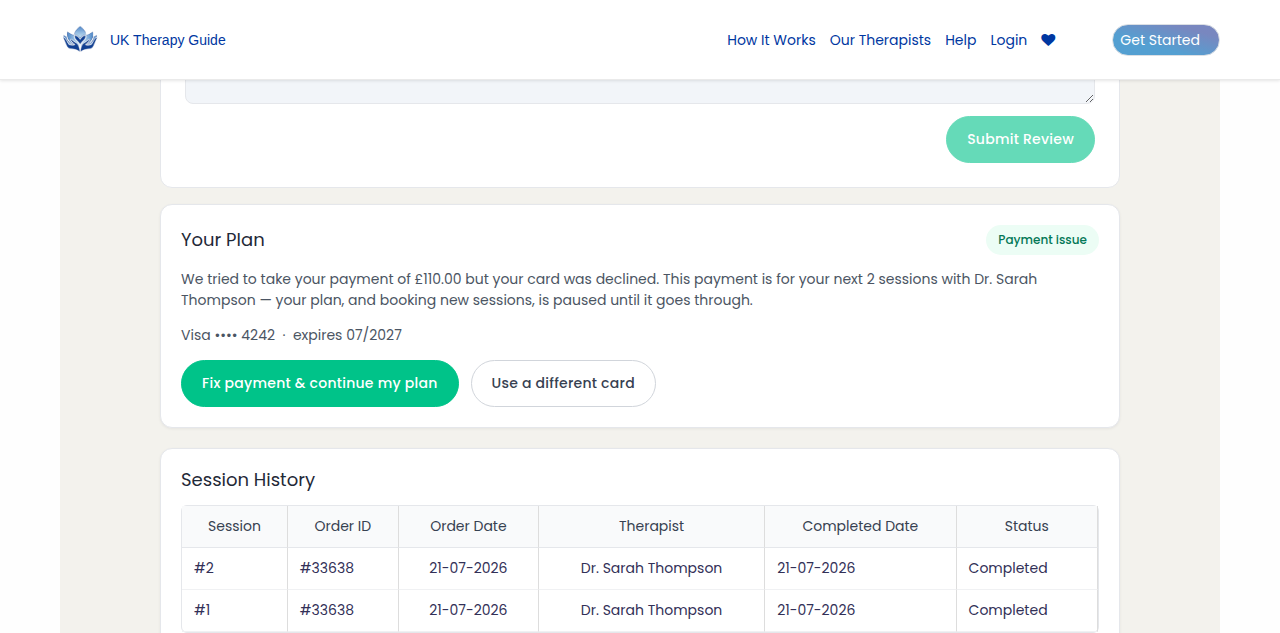
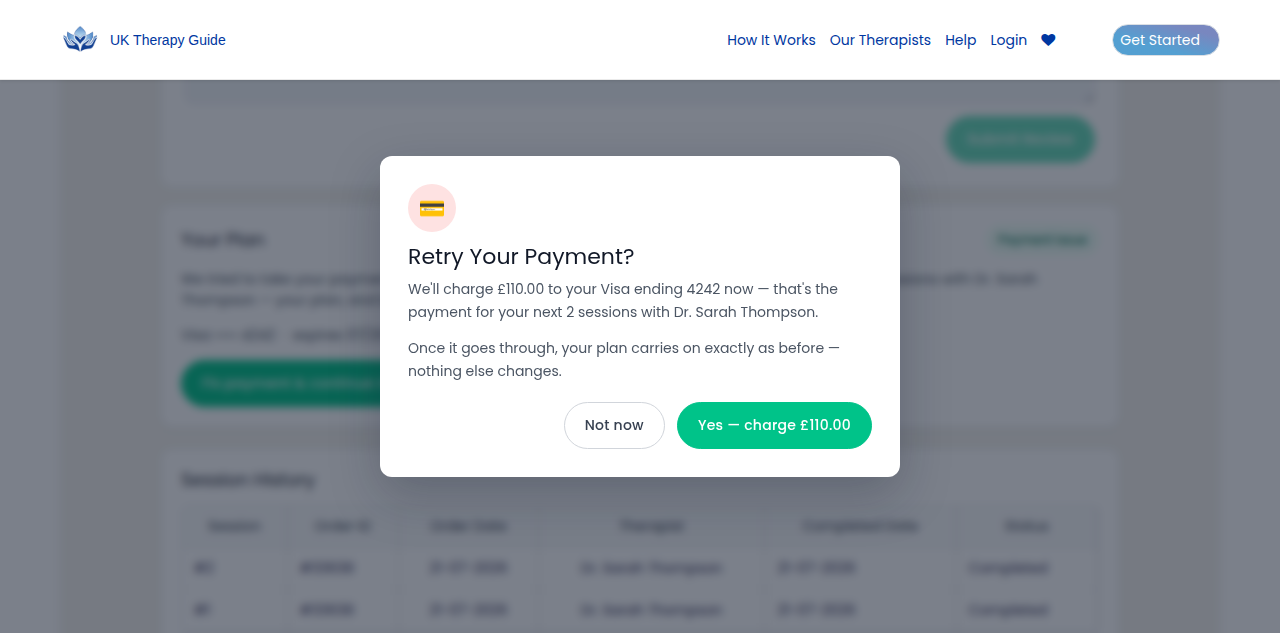
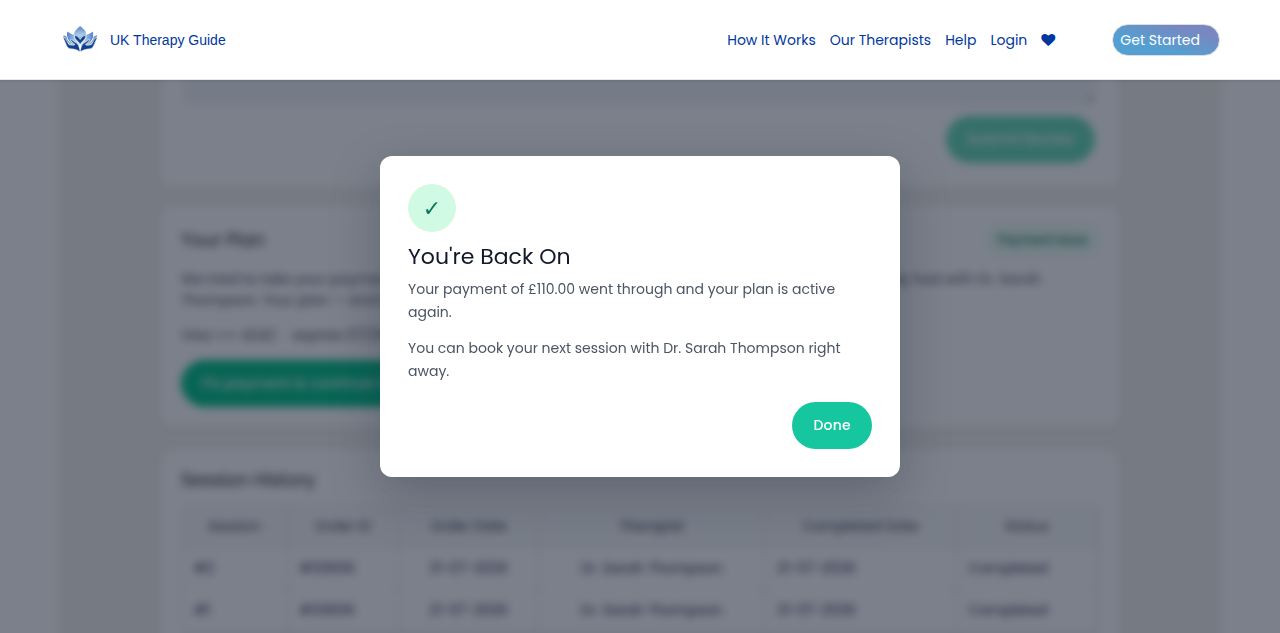
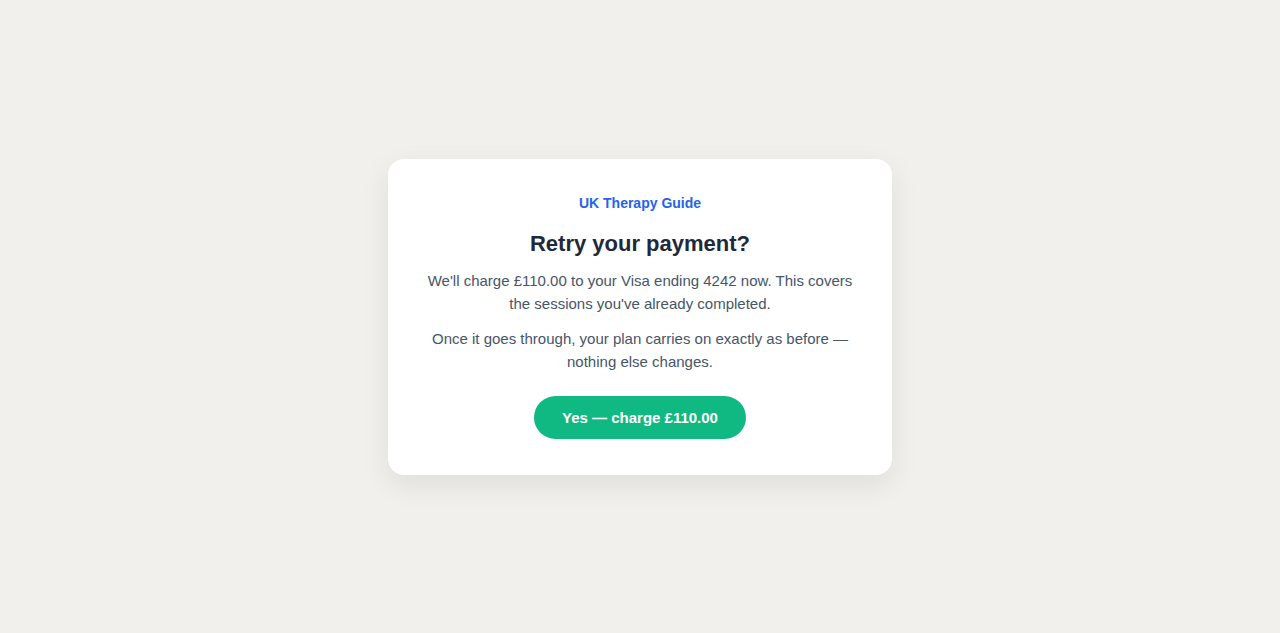
The common case: a renewal charge failed, our 3 automatic retries ran out, and the plan is parked. The client sees an amber banner and a "Payment issue" card; one click retries the parked £110 payment on their saved card. Once it goes through, the plan carries on exactly as before.
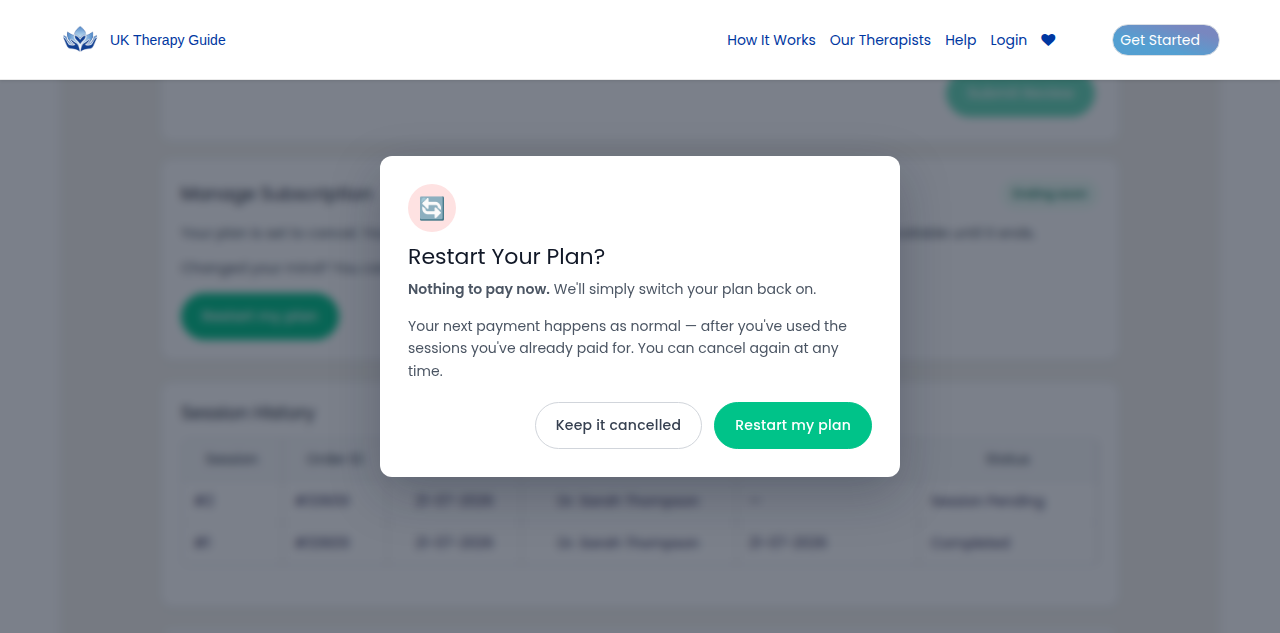
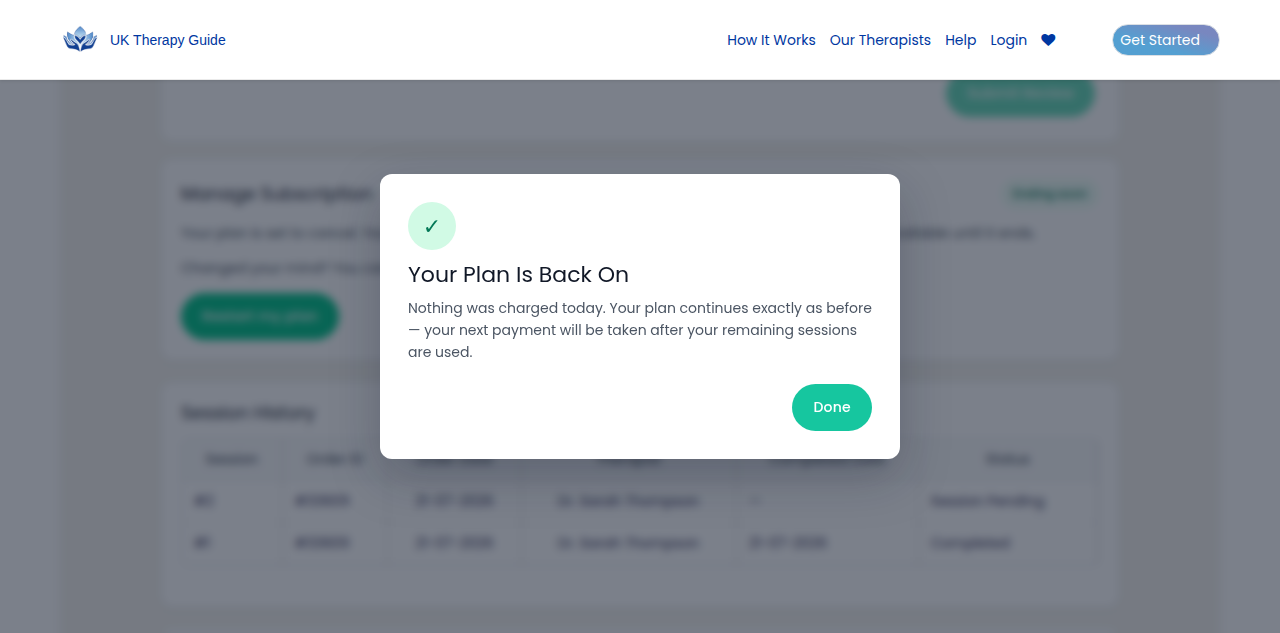
2 Ending soon (cancelled, not ended) no charge
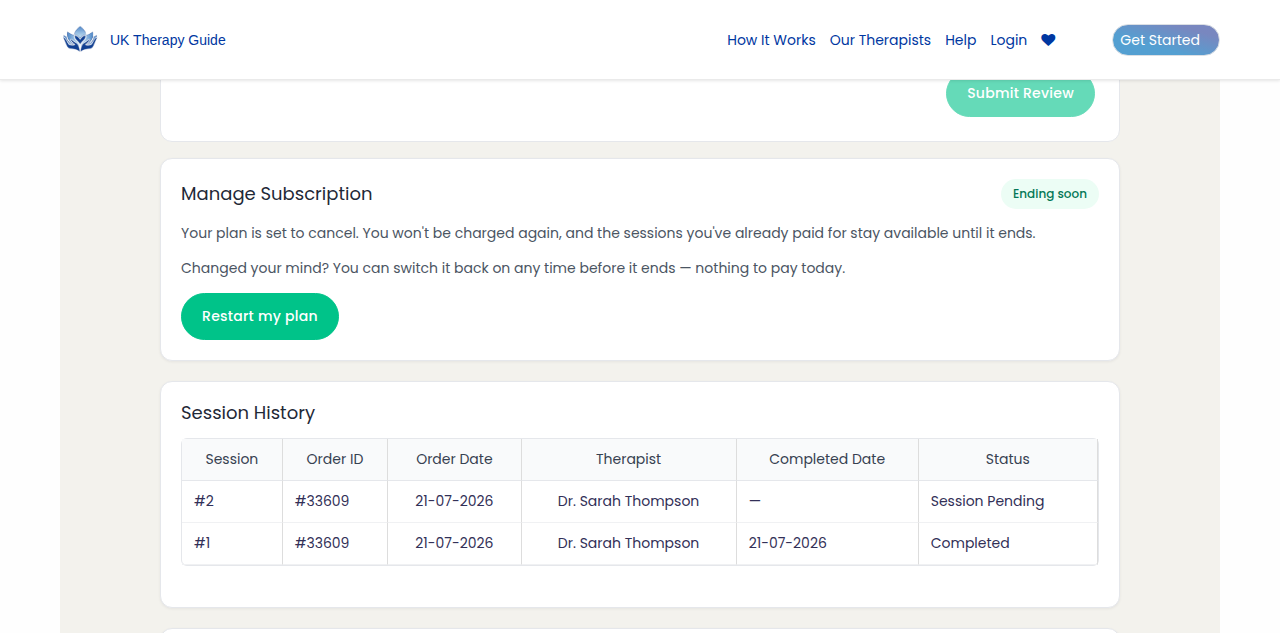
The client hit Cancel but still has paid sessions left, so the plan hasn't actually died. Restarting is free — we just clear the opt-out flag. Their next payment happens as normal, after the sessions they've already paid for are used.
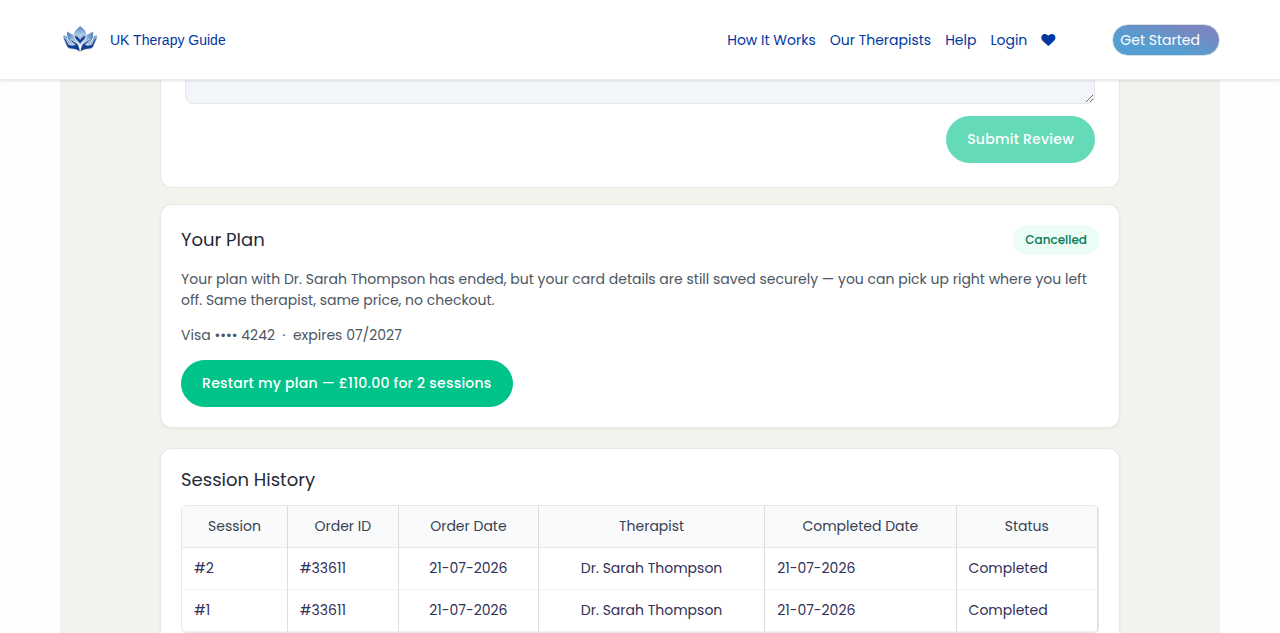
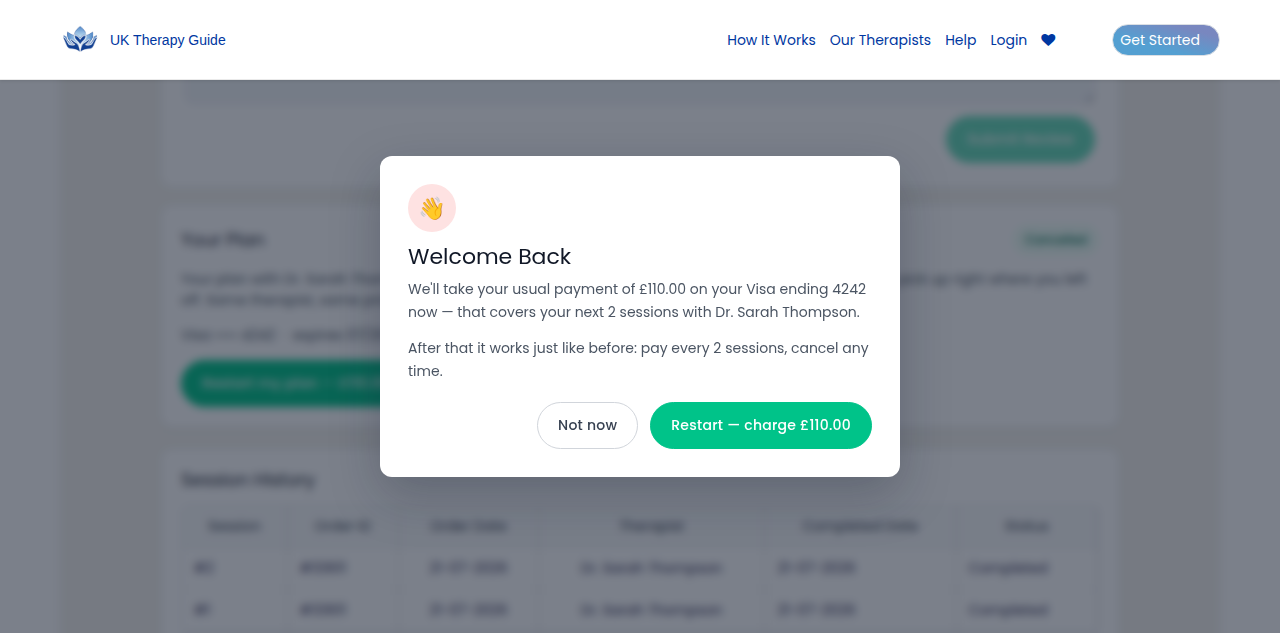
3 Fully cancelled charges card
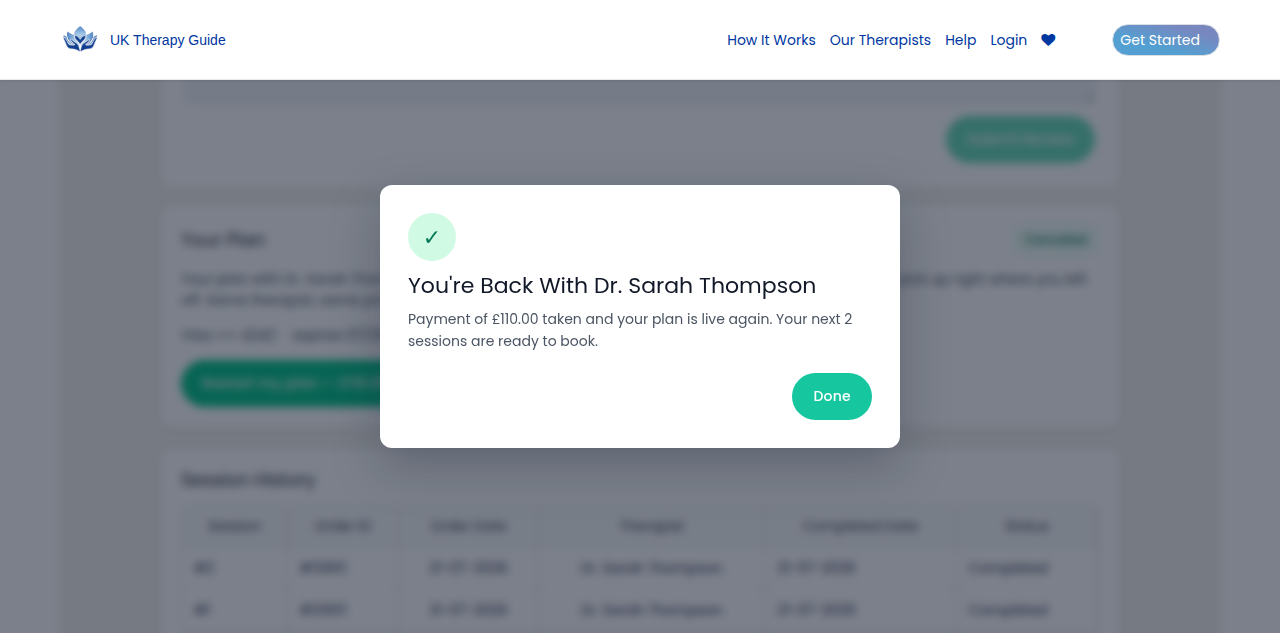
The plan properly ended, but the card survives on the Stripe customer — so they can buy back in without going through checkout. The button itself carries the price. Confirming charges £110 for their next 2 sessions and reactivates the same subscription: same therapist, same price.
4 Card is dead card entry first
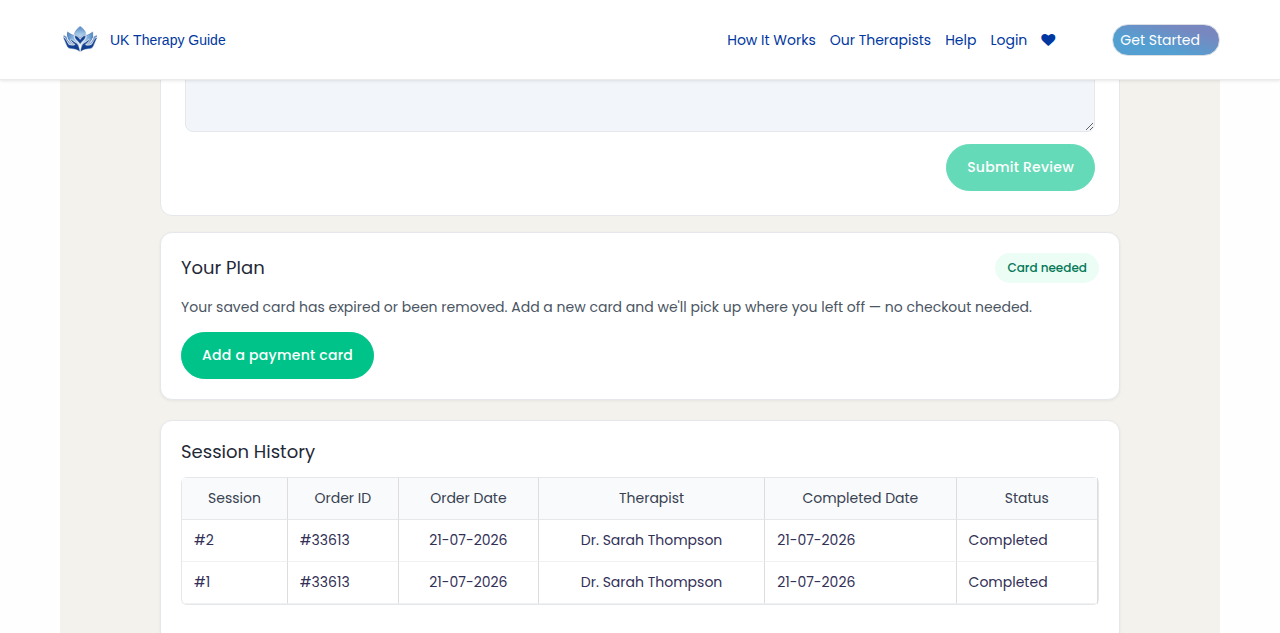
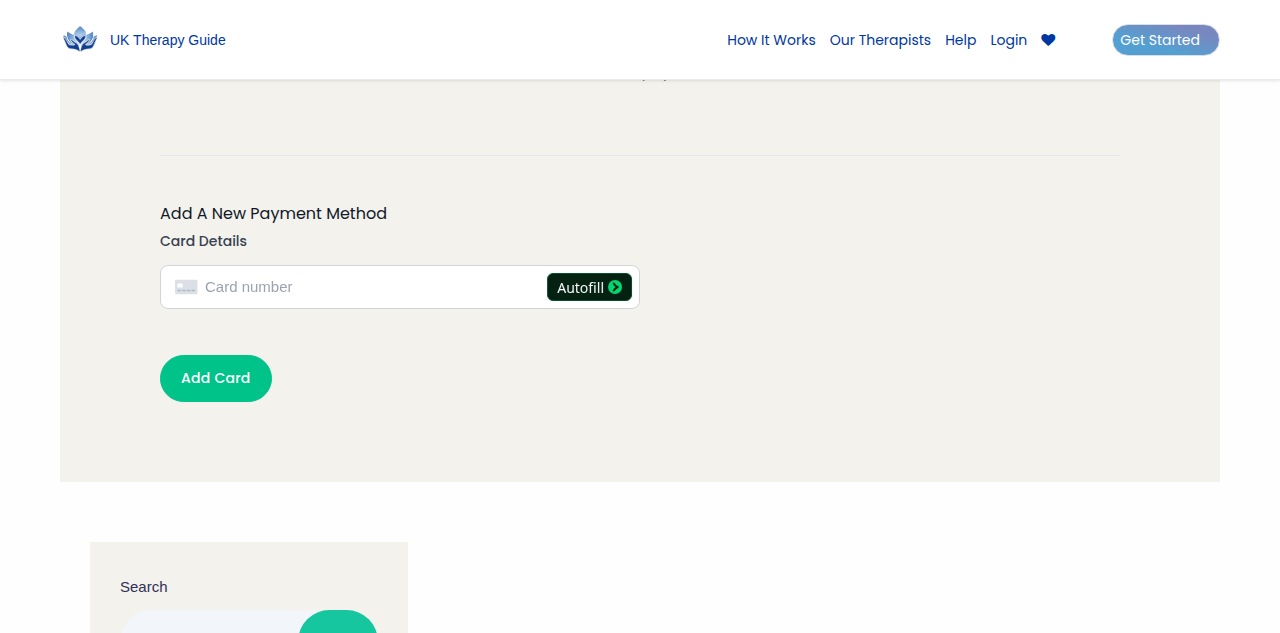
Any of the above, but the saved card is expired or gone. We never dead-end them: the button jumps to the existing Payment Methods tab and scrolls to the existing inline Stripe add-card form (nothing new was built here). Once a card is added, the account page re-resolves to whichever flow above applies.
5 The email — fix it with no login charges card
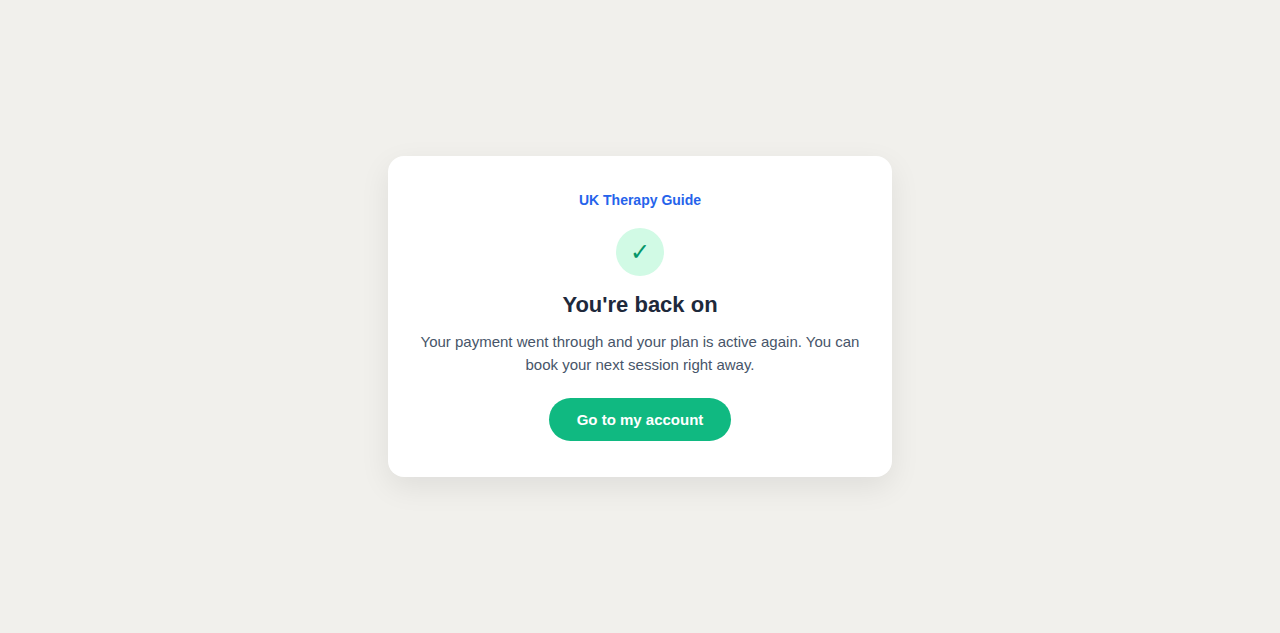
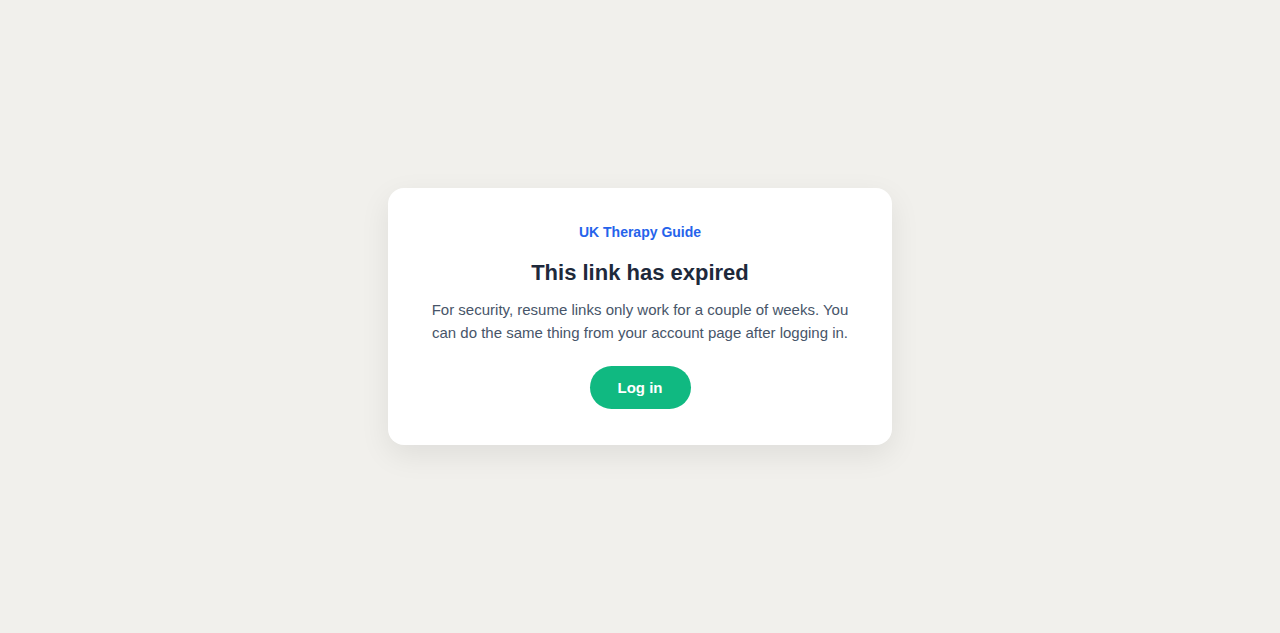
When retries exhaust, the client gets one email: "Your therapy plan is paused — fix it in one click." The button carries a signed link (14-day expiry, single-use) that lands on the same confirm step — no login, no password reset. The link only ever gets them to the page; money still only moves off the confirm. After a successful resume the link dies, and a tampered or expired link shows a polite "log in instead" page.
Under the hood, briefly
The plugin re-resolves the subscription's real state server-side on every render and again at charge time, so a stale tab can never trigger the wrong action, and a double-click never double-charges. Every action is audit-logged. The email is editable/disableable under Email Settings → plan_resume. Everything is off untiluktg_sa_resume_enabled is switched on.
Try it yourself (integration test bed)
Site: uktg-integration.ddev.site/login · emails: Mailpit · password for all four:resume-test-2026
| Login as | You get |
|---|---|
resume-exhausted@client.local | Flow 1 — payment failed (a "plan paused" email is also waiting in Mailpit for flow 5) |
resume-pending-cancel@client.local | Flow 2 — ending soon |
resume-cancelled@client.local | Flow 3 — fully cancelled |
resume-dead-card@client.local | Flow 4 — dead card |
ddev wp uktg-seed resume-states (then ddev wp eval-file test-seeder/connect-real-cards.php for real Stripe test cards).